
The free, fast, open office suite
An alternative office suite: four apps for Windows, macOS, and Linux that work with the files you already have, with no subscription and no account.
Free for Windows, Mac, and Linux
Version 0.45.0 · · What’s new

.docx, .xlsx, .pptx, .pub, and more.The apps
Pick what you're making
Choose a tab to see each app. Your work goes back and forth with people who use other office software.
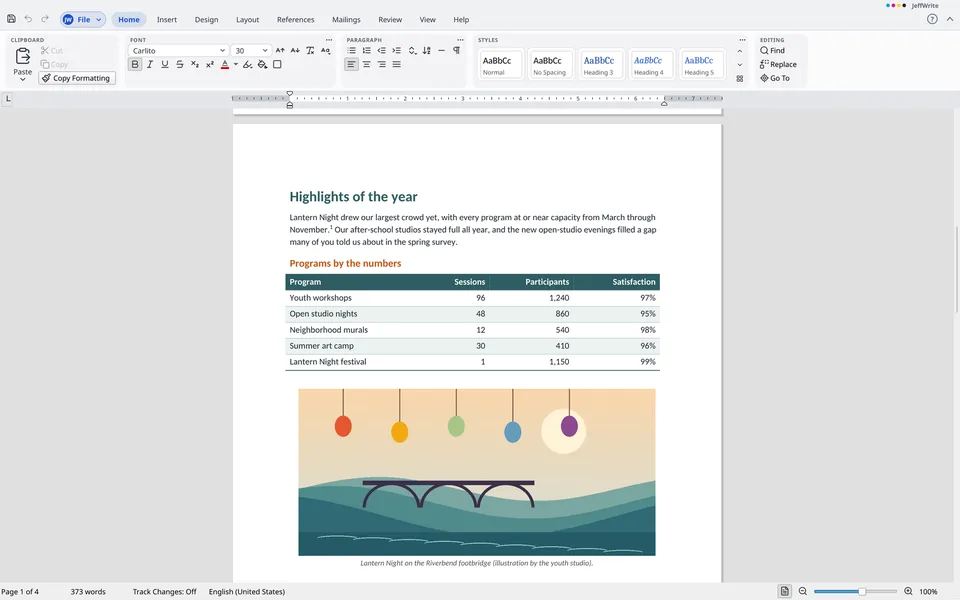
JeffWrite
BetaDocuments laid out as they print, with tables, headers and footers, footnotes, tables of contents, citations, mail merge, pictures, tracked changes, comments, spelling, and PDF export.
Reads.docx, .doc, .odt, and .rtf
Saves.docx, .odt, .rtf, and PDF
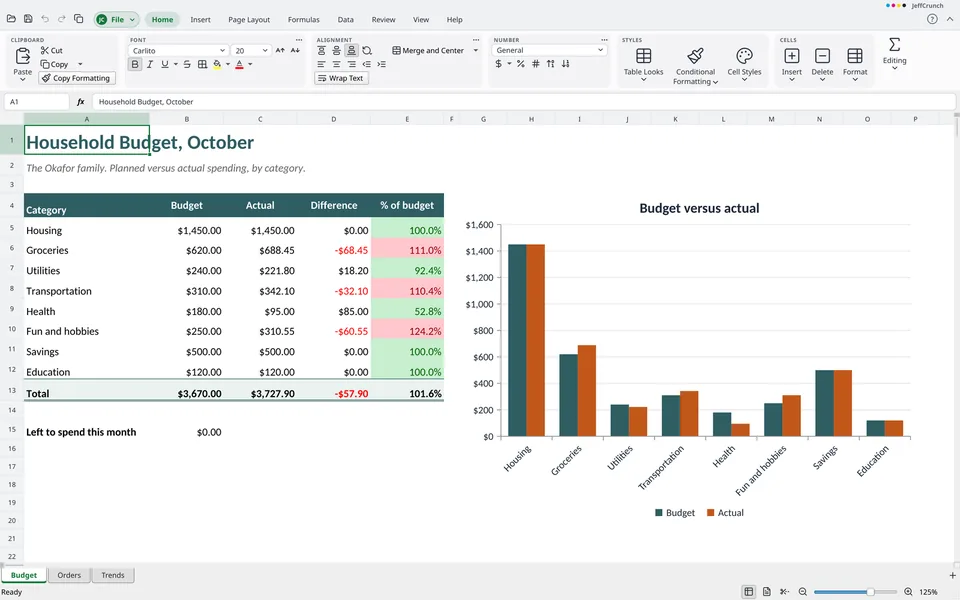
JeffCrunch
BetaSpreadsheets with hundreds of functions, formatting, conditional formatting, sorting and filtering, charts, pivot tables with slicers, password-protected workbooks, and printing.
Reads.xlsx, .xls, .ods, and .csv
Saves.xlsx, .xls, .ods, .csv, and PDF
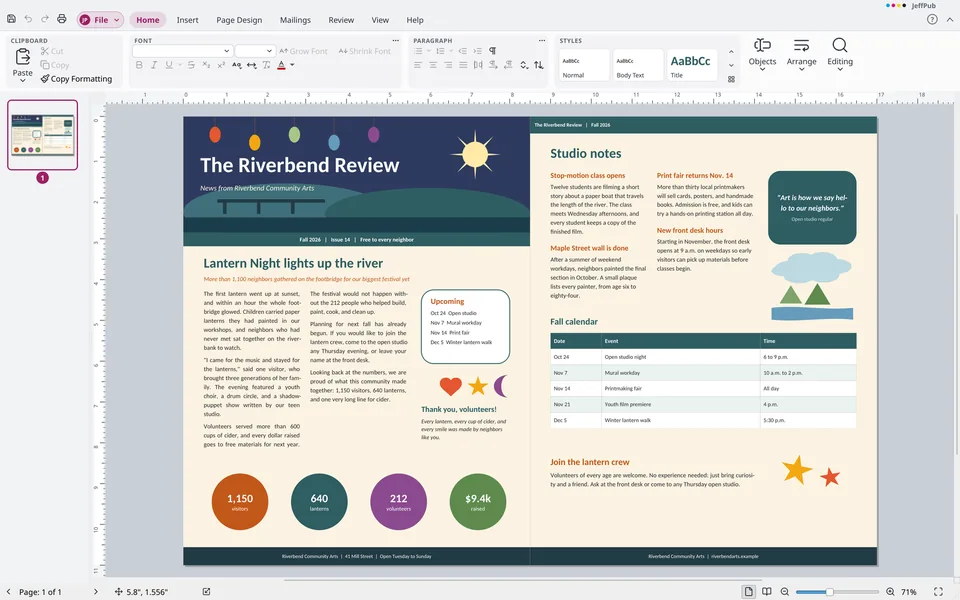
JeffPub
BetaDesktop publishing for flyers, newsletters, brochures, business cards, and certificates, with text that flows across columns and pages.
Reads.pub and .jpub
Saves.pub, .jpub, and PDF
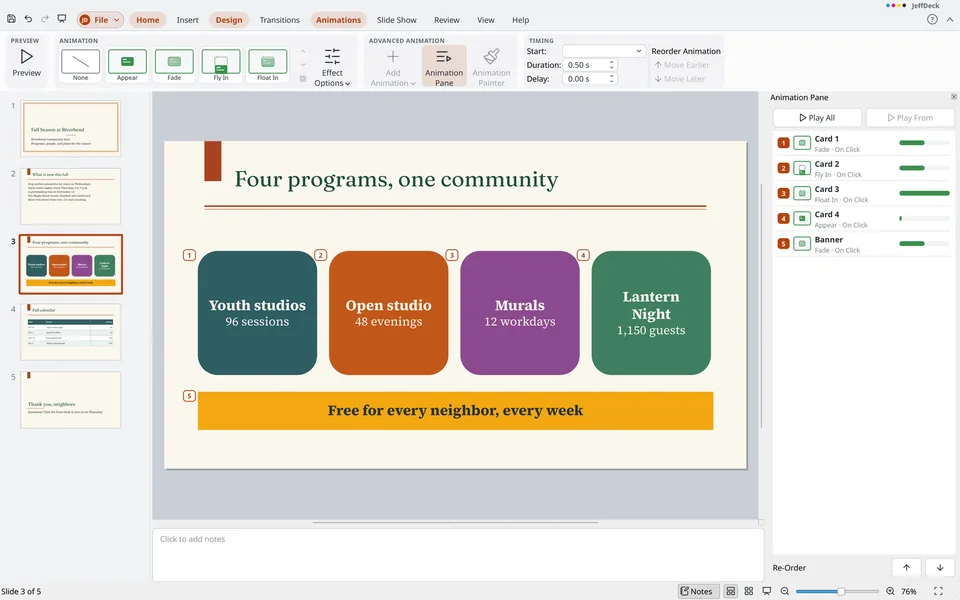
JeffDeck
BetaPresentations with themes, animations, transitions, movies, and sounds, and slide shows with a presenter view on a second screen.
Reads.pptx, .ppt, and .odp
Saves.pptx, .odp, and PDF
Got a file? Start here:.pub in JeffPub.docx in JeffWrite.xlsx in JeffCrunch.pptx in JeffDeck
Download
Get JeffOffice
The current version is 0.45.0, released .
Every version is listed on the releases page, and what changed in each one is in the changelog.
JeffOffice runs on computers. Visit this page on your Windows, Mac, or Linux computer to download it.
Windows
The installer adds the apps you choose. You don't need administrator rights.
Download for WindowsVersion 0.45.0
Mac
One disk image holds all four apps. Drag them to your Applications folder.
Get the Mac downloadVersion 0.45.0
Linux
On Debian and Ubuntu, install it with apt to get each new version with your system updates. There's also a single .deb package, and an AppImage of each app for other Linux systems.
On Ubuntu and other Linux systems that use snaps, get it from the Snap Store, or type this in a terminal: sudo snap install jeffoffice --beta (--beta asks for the beta, the version on this page; the store has no stable version yet.) The snap updates itself.
Version 0.45.0
Install on Linux with apt
On Ubuntu 22.04 or newer, Debian 12 or newer, and systems built on them (64-bit Intel or AMD), add our repository once. From then on, each new version of JeffOffice comes with your normal system updates. Type these lines in a terminal:
sudo apt install wget
sudo install -d -m 0755 /etc/apt/keyrings
sudo wget -O /etc/apt/keyrings/jeffoffice.gpg https://apt.jeffoffice.com/jeffoffice.gpg
sudo wget -O /etc/apt/sources.list.d/jeffoffice.sources https://apt.jeffoffice.com/jeffoffice.sources
sudo apt update
sudo apt install jeffoffice
This installs all four apps, about 100 MB to download. To check the key that signs our packages, run gpg --show-keys --with-fingerprint /etc/apt/keyrings/jeffoffice.gpg. Its fingerprint is 141F 304F 0AD9 E63E DB9D 4444 63DA A97B ACDF 2F2A.
To update by hand, run sudo apt update && sudo apt upgrade. To remove JeffOffice and the repository, see the Linux install guide.